
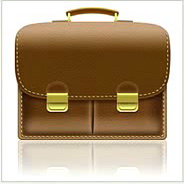
Leather-Textured, Realistic Briefcase Icon
Скачать урок
Смотреть урок
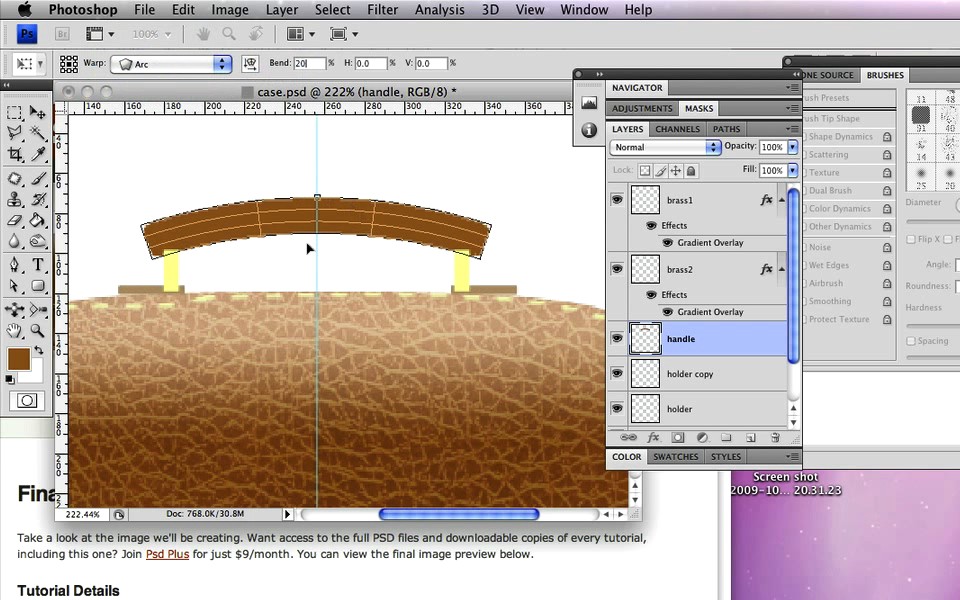
Скриншоты

Cкачать с сервера:
- Our goal for this tutorial is to draw a realistic leather briefcase entirely from scratch.
- We'll use Photoshop's amazing layer styles and incredible brush engine to create textured leather, convincing stitches and gold-plated locks. Let's get started!" Andrea Austoni
- We'll use Photoshop's amazing layer styles and incredible brush engine to create textured leather, convincing stitches and gold-plated locks. Let's get started!" Andrea Austoni
 Источник:
 Автор: Gavin Steele
Язык: Английский
Качество: отличное
Размер: 426 мб
Продолжительность: 1 час 7 минут
Похожие уроки
Случайные уроки
 Detailed Audio Player in Photoshop
 How to Create A Swanky Coffee Table Icon in Photoshop
 Rusty Texture in Photoshop
 Magnifying Glass Icon in Photoshop CS4
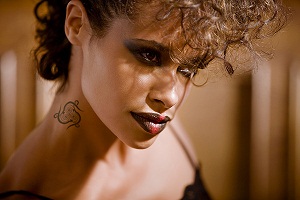 Adding a Realistic Tattoo the Easy Way with Photoshop
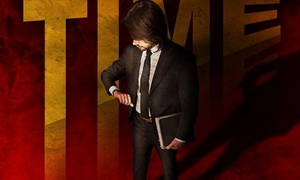 It’s Time to Create a ‘Neo-Constructivist’ Poster with Photoshop
 How to Create a Fantasy “Mother Nature” Scene
 Create a Shiny Earth with Photoshop 3D Layers
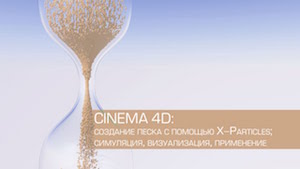 Создание песка с помощью X-Particles в Cinema 4D
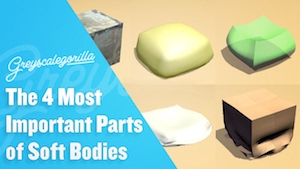 Четыре самых важных параметра в Softbody
 Soft Shadows 3Dmax
 Заставка Матч ТВ в Cinema 4D и After Effects
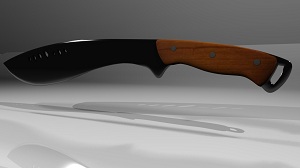 Моделирование мачете в Maya
 Вращение головы персонажа в After Effects
 Maya Modeling Reference Library: Edit Mesh
 Эксперимент с Particular в After Effects
Комментарии
Добавить комментарий
Информация
Посетители, находящиеся в группе Гости, не могут оставлять комментарии к данной публикации.
Навигация
Поиск урока


Друзья сайта
Опрос

А ты рассказал о нас всему интернету?
Главная | Форум | Обратная связь | Статистика | Регистрация | Восстановление пароля
Copyright © 2009-2020 Video Tutorials


Copyright © 2009-2020 Video Tutorials